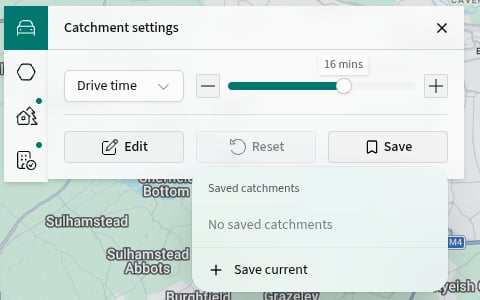
Choose a type and range
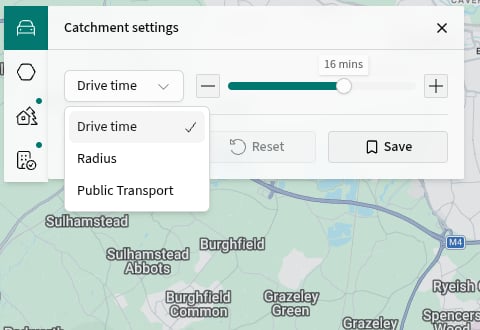
- Open Catchment settings.
- Select Drive time, Radius or Public Transport.
- Use the minus and plus buttons, or drag the range control.
Use a different staffing catchment
General and staffing analysis do not always need the same catchment. PICSy can keep them separate.- Choose a general analysis view such as Demographics and set its catchment.
- Switch to Staffing/Access.
- Open Catchment settings and set the staffing catchment.
- Switch between the two views to check each boundary.
Save a useful variation
- Open Save in Catchment settings.
- Select Save current.
- Enter a name, then select Save.