Directories are useful when you want to find a known record, filter a market or inspect an area in more detail.
Paid add-on: DirectoriesPlanning and Developers, plus enhanced care home details and regional measures, require the relevant Directories add-on. The sections and details you see depend on your access.

Choose a directory

  1. Open Directory from the main navigation.
  2. Select the section you want to explore.
The Directory home page shows the sections available to you, along with a quick summary of what each one contains.

Find a record

Directory pages use a familiar set of controls:
  1. Use the filters above the table to narrow the results.
  2. Search the table when you know part of a name or address.
  3. Select a column heading to change the sort order.
  4. Open Columns to choose which fields are visible.
  5. Select a record name to open its details.
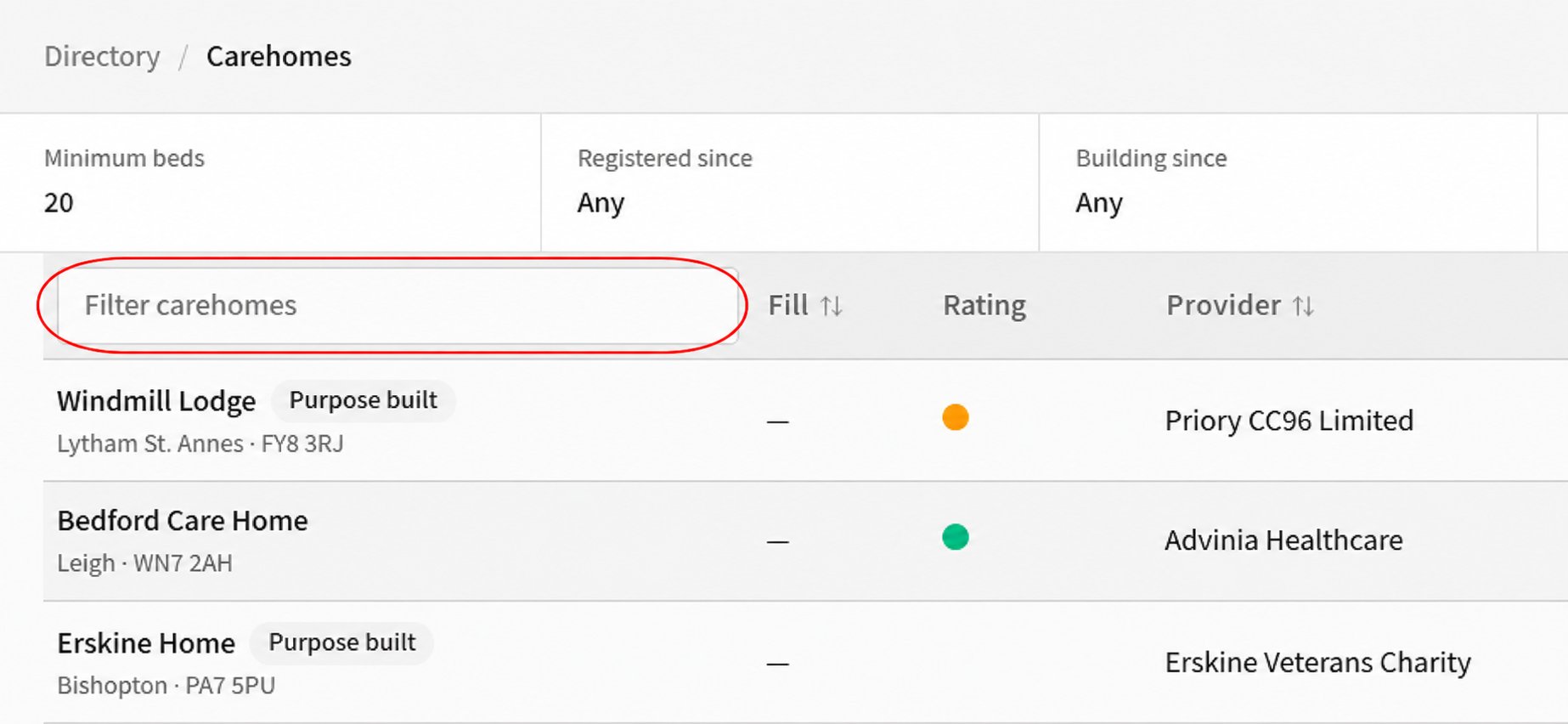
Carehomes directory with a red outline around the Filter carehomes search field above the results. Use Previous and Next to move through longer result lists. The filters and columns vary by directory, so you only see controls that apply to the records you are browsing.

Export a directory

Where Download CSV is shown, select it to export the results that match your current search and filters. Next, add a site and start an analysis.