
Edit individual hexes
1
Start editing
Open Catchment settings and select Edit. PICSy shows the edge hexes available to change.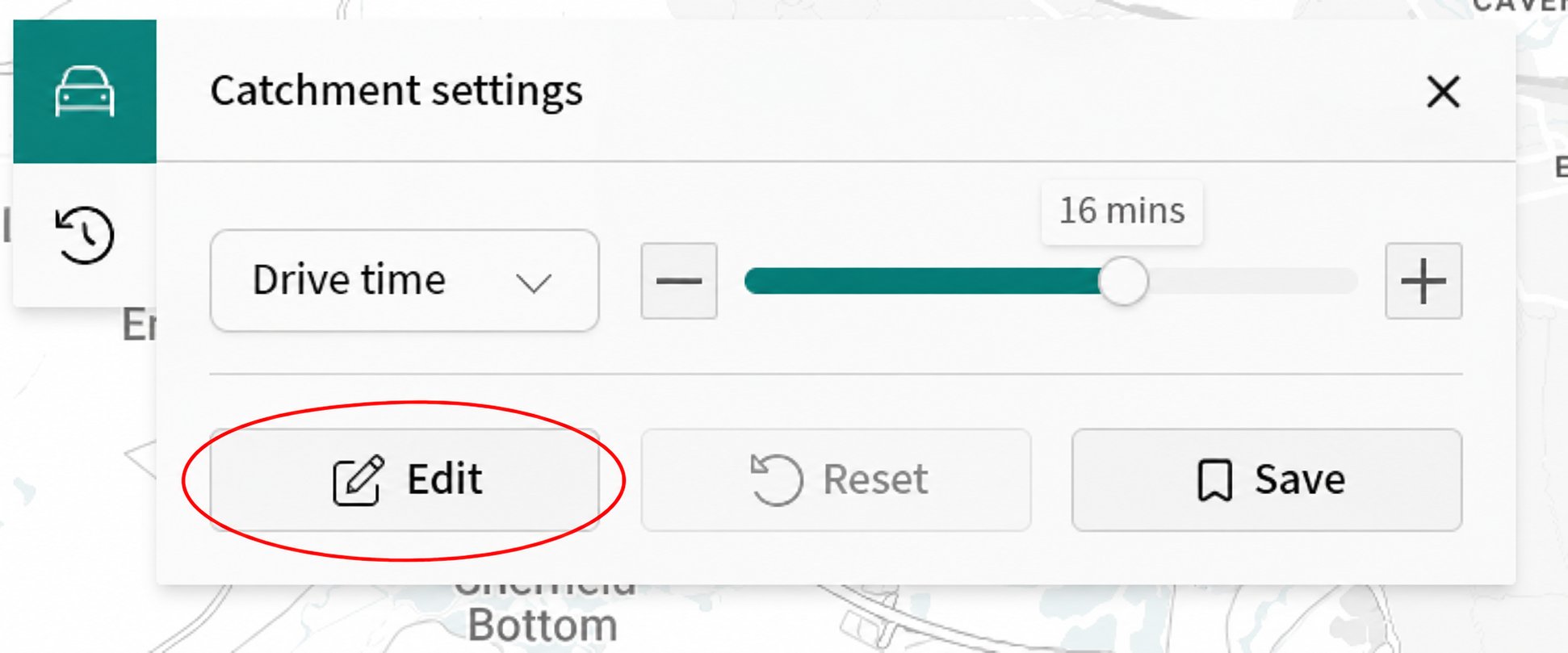
2
Change the boundary
Select a green hex outside the catchment to include it. Select a red hex inside the catchment to exclude it. Select the same hex again to undo that edit.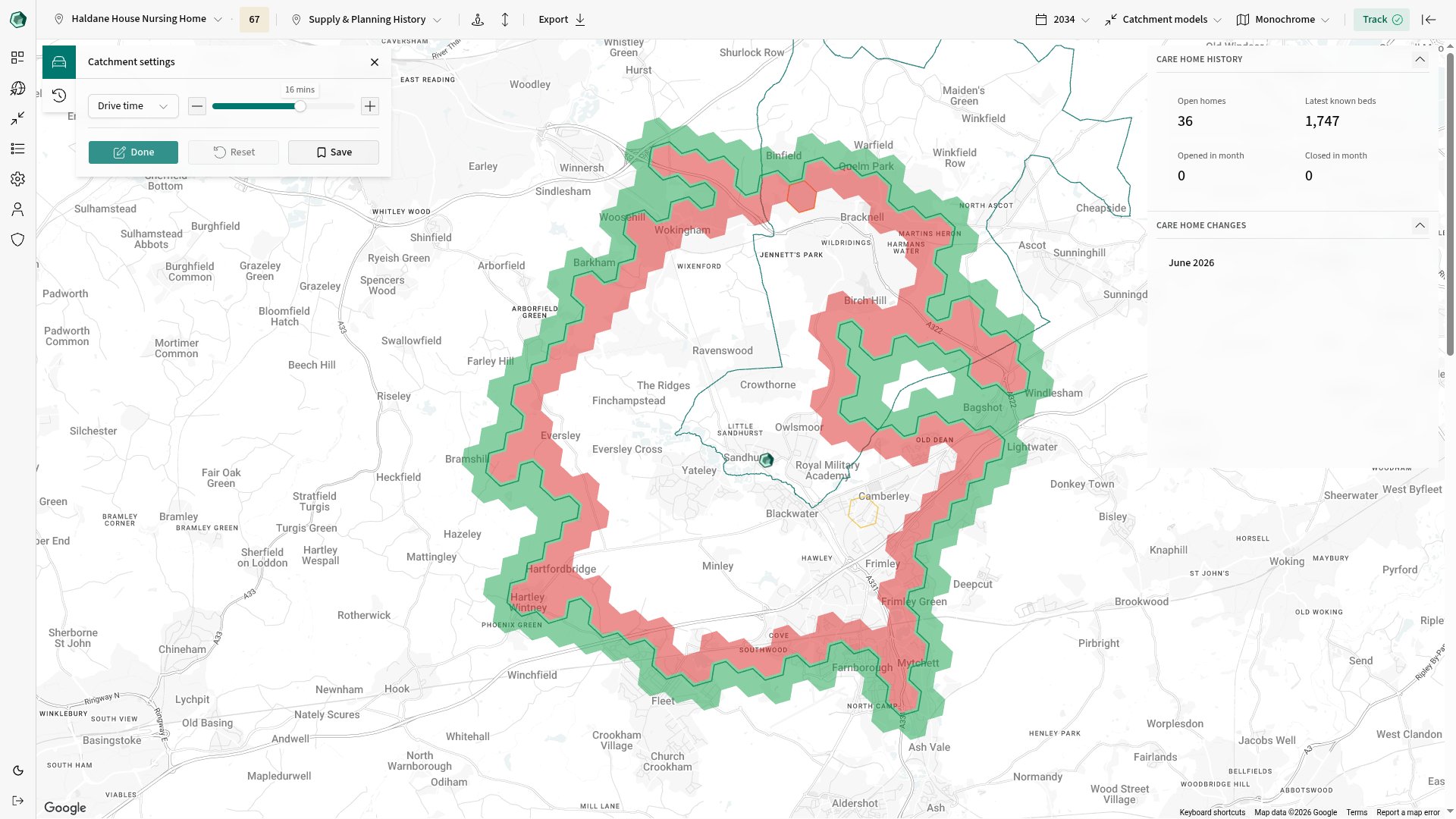
3
Finish editing
Select Done when the boundary is right.
Change built-up-area inclusion
When a nearby built-up area is available, hover over it to reveal its + or − control.- select + to include the built-up area
- select − to exclude it
Reset or save the edit
- Select Reset in Catchment settings to remove every manual hex and built-up-area change. This does not change the catchment type or range.
- Open Save and choose Save current to keep the edited version as a named variation.